Tips for Improving Your Desk Ergonomics at Home
Here's how to avoid pain and strain while using electronic devices

Whether you’re working at a computer desk, playing a game on your phone or tablet, or watching TV, it’s important to make sure you’re positioning your body properly. Otherwise, you’re bound to feel uncomfortable.
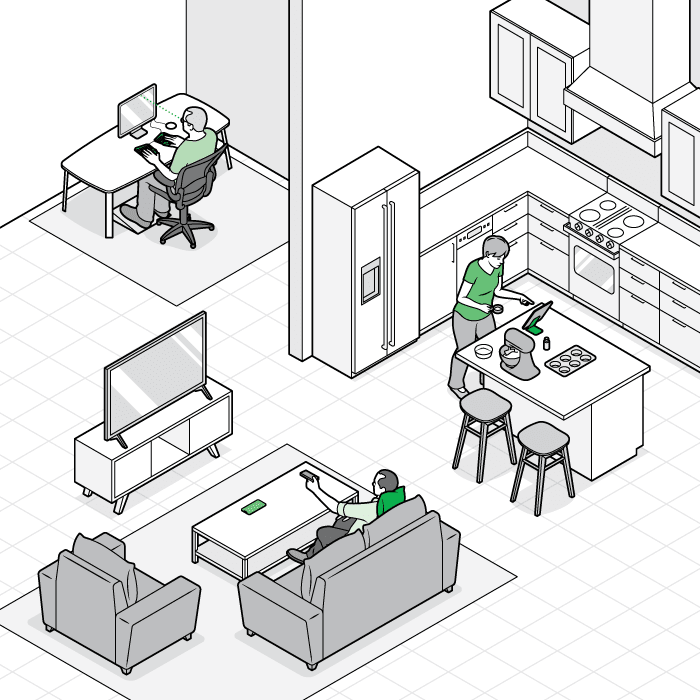
Click dots to learn more.
Illustration: Chris Philpot
Plus: Take Stretch Breaks
Even if you’re in a comfortable position, it’s best to avoid holding it for long periods of time. Try to get up for just a minute or two—walk around, stretch, shake yourself out—every half-hour or so.
Editor’s Note: A version of this article also appeared in the October 2022 issue of Consumer Reports On Health.


