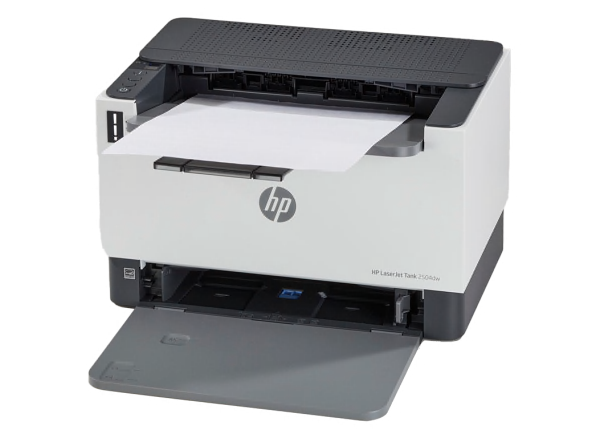
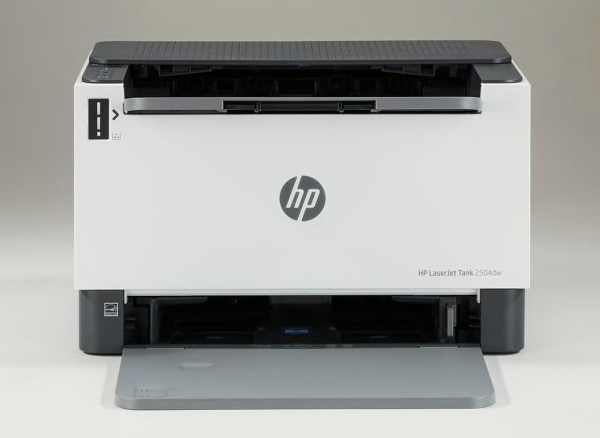
Printing . The HP Laserjet Tank 2504dw prints using laser technology, which picks up powdered 'toner' on a roller and fuses it to the paper with heat. It prints black-and-white text with excellent quality. Text printing speed is typical, 5 pages took 20 seconds, costing 0.7 cents per page. It prints mono graphics well enough for most purposes, such as school reports, costing 1.5 cents per page. It has auto-duplex printing to print both on sides of the page. The capacity of the main paper tray is 250 sheets, a generous amount.
Scanning and Copying . This is a single-function printer. It lacks a built-in scanner/copier.
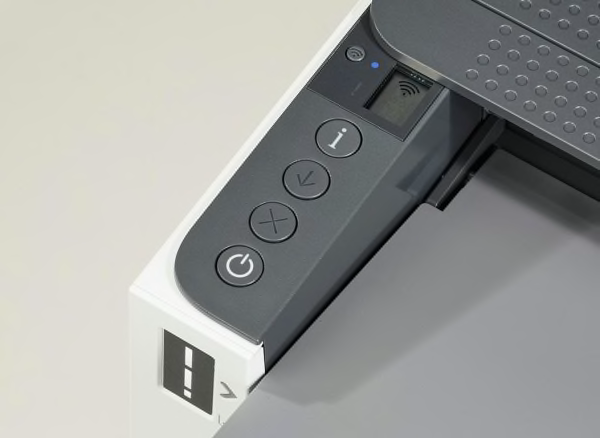
Controls and Display . The printer has a monochrome display screen 0.8-inch diagonal size.
Connectivity and Networking . The printer can connect directly to a PC with a USB cable, and can connect via Ethernet, WiFi, Apple Airprint. Apple AirPrint is built in, to print wirelessly from Apple devices via your local network.
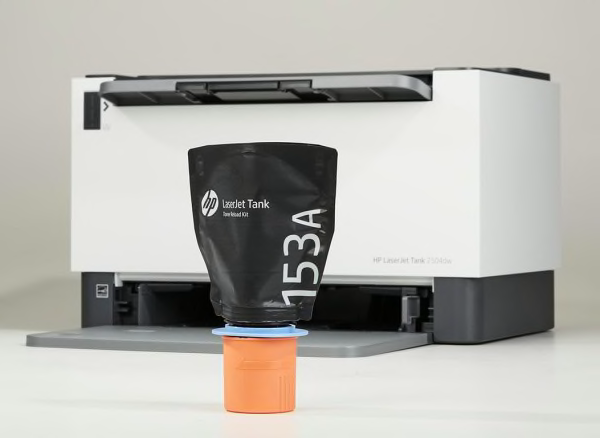
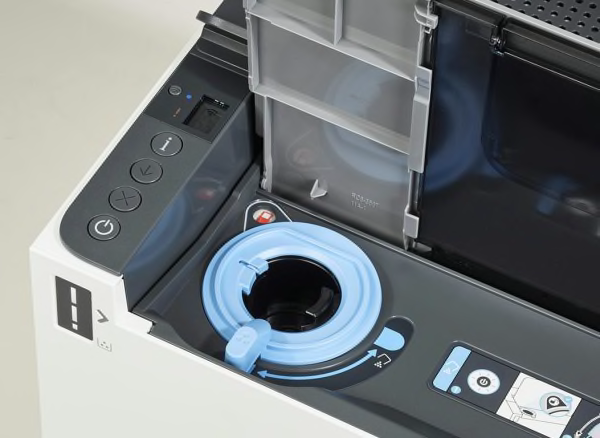
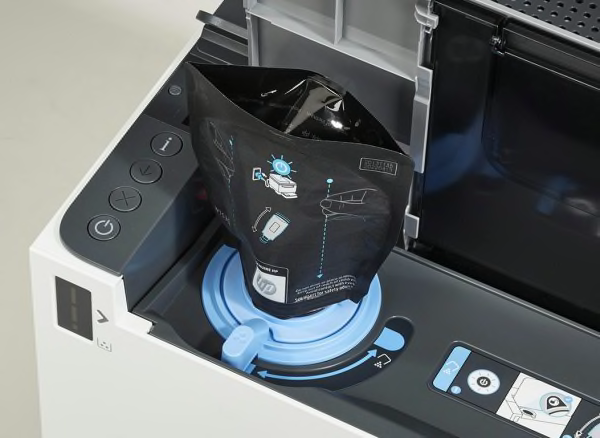
Cost of Ownership and Toner . When this page was last updated, the printer's purchase price was about $320, very high for a regular black and white laser printer. Printing uses up toner and the costs add up over time. This printer uses one (1) cartridge. When the ink runs low, you replace the empty cartridge. The toner we used in testing was the HP 153A BK bottle—at the time, the price was $18. We estimate each cartridge of toner to last at least 10 years—a very long time—following a typical monthly printing amount of 23 text pages. After 2 years of typical use, we estimate your total equivalent cost to be $324—high for a monochrome laser. The estimated yearly cost is $2, which is very low for a monochrome laser type of printer. The theoretical total cost after 5 years is $329.
Printer Firmware Firmware is software that exists inside the printer. All models are evaluated using the latest firmware version available at the time of testing.
Software The collection of software accompanying the printer may include: the printer driver, printer applications, electronic user manual. These get installed on your personal computer. All models are evaluated with a PC and the Windows operating system, using the latest version of printer software (driver) and printer support apps available at the time of testing.
About the toner, software and firmware Our test results are valid only for the HP-brand toner, and the software and firmware versions indicated. If your printer's software or firmware differ from the ones shown, you either have an older or a newer version of these. Manufacturers may periodically upgrade the printer's firmware to enhance operation, fix bugs, or add features. Firmware updates are downloadable directly to your printer via a wired or wireless network (if internet capable). You can check your printer's firmware version, or upgrade to the latest firmware: Either (1) run the HP printer-update app on the PC, or (2) access the "Settings" section of the printer menu and navigating to the firmware update option. Consult the user manual or HP's website for further guidance.
Try searching online.