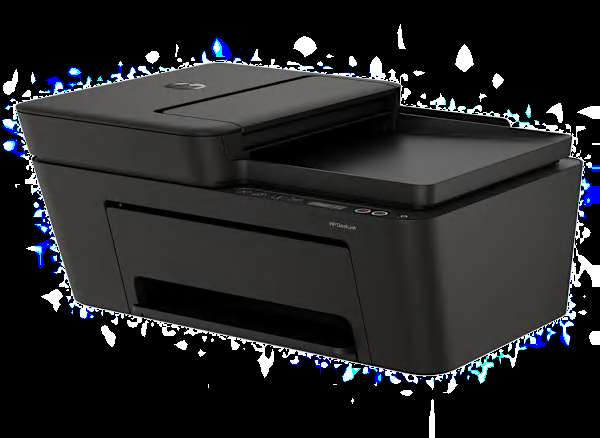
Printing The HP DeskJet 4352 prints using inkjet technology, which sprays liquid ink onto the paper from a moving head. It has very good text quality, though not quite as good as the best printers. It prints text very slowly, 5 pages took 43 seconds, costing 28.2 cents per page. It prints color graphics well enough for most purposes, such as school reports, costing 57.3 cents per page. It prints photos on glossy paper that are fine for casual users, but not as good as many inkjet printers. The multi-color ink cartridge must be replaced when a single color runs out. The capacity of the main paper tray is 60 sheets, a typical amount.
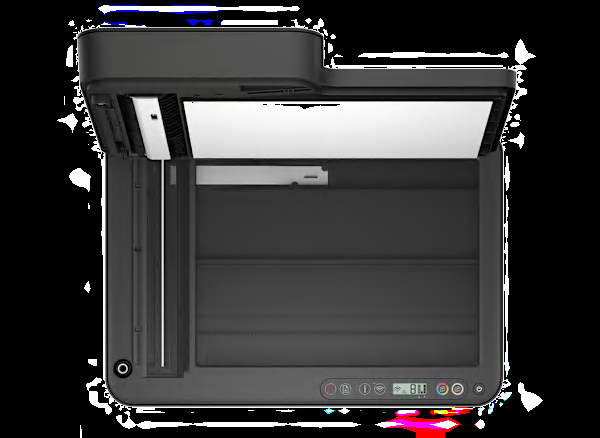
Scanning and Copying This is a multi-function printer. Scanning performance was OK, but had a few noticeable flaws. It can scan or copy paper up to letter size. It has an Automatic Document Feeder (ADF) for easily scanning/copying a stack of pages.
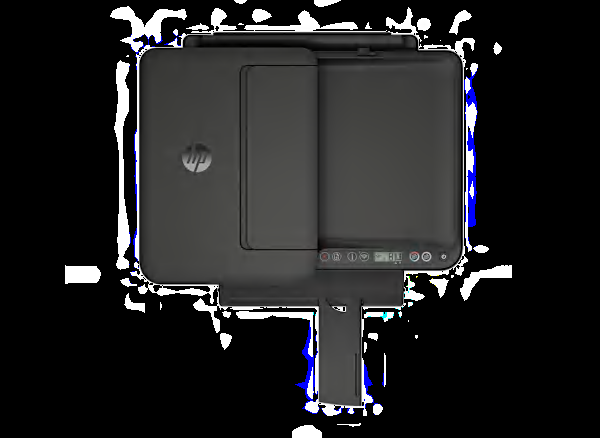
Controls and Display The printer has a monochrome display screen with a 1.5-inch diagonal size.
Connectivity and Networking It can print documents via USB and WiFi. We found it more tedious than usual to setup the WiFi connection on this printer.
Costs and Ink When this page was last updated, the printer's purchase price was about $70, very low for an all-in-one cartridge inkjet printer. Printing uses up ink and the costs add up over time. This printer uses two cartridges. When the ink runs low, you replace the empty cartridge. The inks we used in testing were the HP 68 Color, and 68 BK cartridges—at the time, the prices were both $27 each. According to our tests, one cartridge will print approximately 110 pages of black text, a very low yield—but being an inkjet its actual yield could be noticeably less because of maintenance. We estimate each cartridge of ink to last at least 6 months—a very short time—following a typical printing cadence of 19 text and 8 graphic pages per month. After 2 years of typical use, we estimate your total equivalent cost to be $ 309—typical among inkjet printers. The theoretical total cost after 5 years is $ 666.
Notes The printer uses up very little space.
Printer Firmware Firmware is software that exists inside the printer. All models are evaluated using the latest firmware version available at the time of testing. The firmware version of the HP DeskJet 4352 was 6.29.5.15-202512090103.
Software The collection of software accompanying the printer may include: the printer driver, printer applications, electronic user manual and scanning, faxing, and OCR apps. These get installed on your personal computer. All models are evaluated with a PC and the Windows operating system, using the latest version of printer software (driver) and printer support apps available at the time of testing. The software version was 5.2.1.3491.
About the ink, software and firmware Our test results are valid only for the HP-brand ink, and the software and firmware versions indicated. If your printer's software or firmware differ from the ones shown, you either have an older or a newer version of these. Manufacturers may periodically upgrade the printer's firmware to enhance operation, fix bugs, or add features. Firmware updates are downloadable directly to your printer via a wired or wireless network (if internet capable). You can check your printer's firmware version, or upgrade to the latest firmware: Either (1) run the HP printer-update app on the PC, or (2) access the "Settings" section of the printer menu and navigating to the firmware update option. Consult the user manual or HP's website for further guidance.
Try searching online.