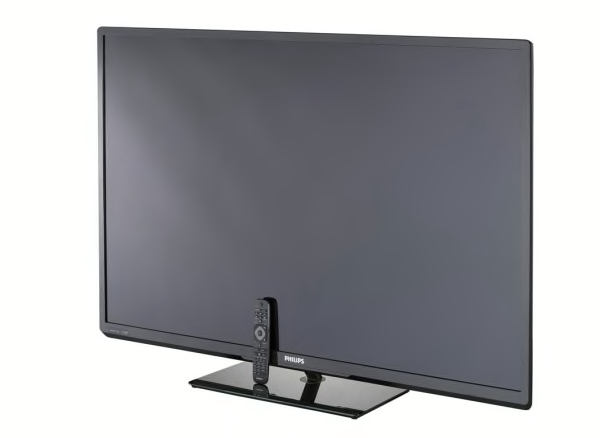
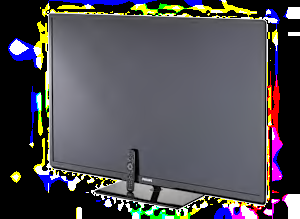
PICTURE QUALITY This model had very good high-definition picture quality. It did a top-notch job displaying the finest detail. Color accuracy was very good, with images looking quite natural. Contrast--the difference between the darkest blacks and brightest whites--was good, so images showed some depth and dimension. In this respect, the TV was similar to most of the models we test. The brightness level was good, making it a suitable choice for most rooms. In scenes with subtly shaded light-to-dark areas, such as a sky during sunset, the TV did an excellent job producing a smooth transition without distinct, coarse bands. Noticeably uneven brightness effect created cloudy areas that were distracting in dark scenes. We routinely see this type of issue with many brands of LCD TVs, regardless of the type of backlight used (CCFL or LED). Though it's generally not a significant problem, it can vary in degree from TV to TV. Film mode operation for HD film-based content was excellent, with no visible jaggies along the edges of objects during motion scenes. Deinterlacing was very good, with minimal jaggies visible when converting 1080i content to the display's native resolution.
VIEWING ANGLE This Philips has a narrow viewing angle overall, decent, but not quite as good as the better-performing LCD sets we've tested. The optimal seating position for best picture quality is directly in front of the TV. If your family is seated in chairs off to the side of the TV, they'll see decent but compromised image quality.
When we moved off to the sides the horizontal viewing angle was fair; the picture showed a slight loss of color so flesh tones looked a bit washed out. Black levels brightened significantly, making dark scenes look hazy. Even when viewed from right in front of the screen, dark scenes were brighter at the sides due to the limited horizontal sweet spot. When viewing the image from above or below eye level to the screen, the vertical viewing angle was good. The picture showed some change in color, contrast, and black level.
MOTION BLUR This Philips TV has only fair motion performance, with significant blurring on our motion tests. Though it claims to have a higher frame rate than 60Hz, a feature designed to reduce motion blur, it could not be found in the menu, and performance was worse than on models with an effective similar feature. On typical program content, the blurring effect is often fleeting and may not bother most people. However, keen-eyed viewers may detect the loss of texture and detail on scenes with movement, especially in high-quality video such as a Blu-ray movie.
SCREEN REFLECTIVITY The screen surface on this LCD TV has a near-matte-like finish that does a decent job reducing distracting mirror-like reflections. The screen is dark so it does a good job reducing glare from ambient light and maintains contrast even in a bright room.
SOUND QUALITY This TV's sound was good, fine for typical TV programming, but won't reproduce the full range of movie soundtracks and music. It has a limited volume range allowing the TV to play just adequately loud. At moderate volume settings the TV had a general smooth sound with good bass and impact. Most will find this sound quality acceptable.
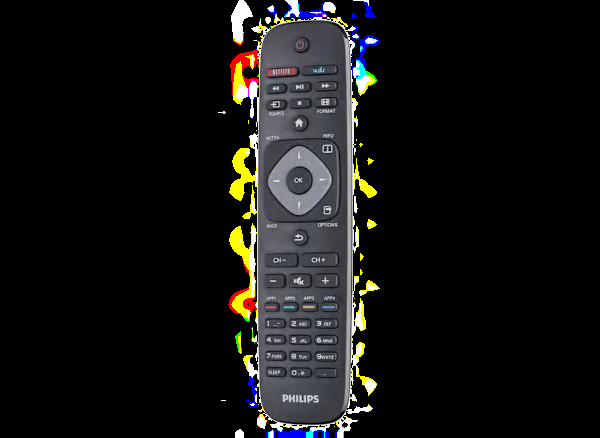
EASE OF USE Overall, we found the set was easy to use for the most part. Setting up the TV for the first time was straightforward, as was access to features and controls you'll probably adjust only once. Ease of access to features you typically use more often was good. Also, the remote is satisfactory, and the on-screen menu is moderately easy to navigate.
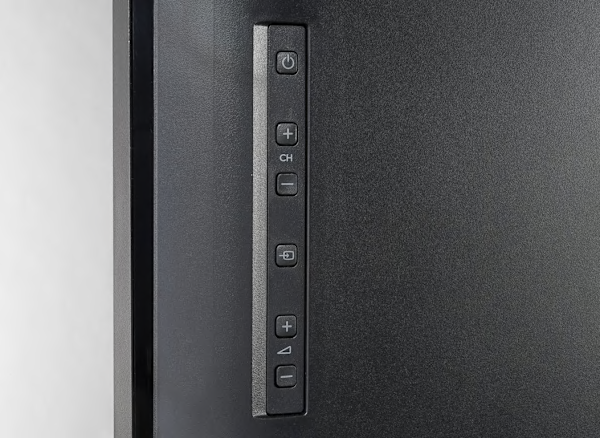
lacks a dedicated menu button on the television display, so you can't access the menu if you lose the remote. Remote has a dedicated button to access Internet features. Lacks the ability to add custom labels to different input sources.
STAND ASSEMBLY Mounting the TV to the included one-piece support stand is easy.
INTERNET FEATURES This TV provides basic Internet functionality with a limited selection of applications. Movie streaming services include: CinemaNow, Hulu Plus, Netflix, Vudu.
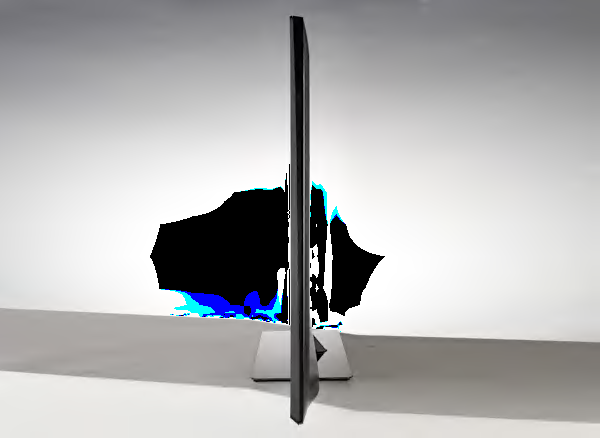
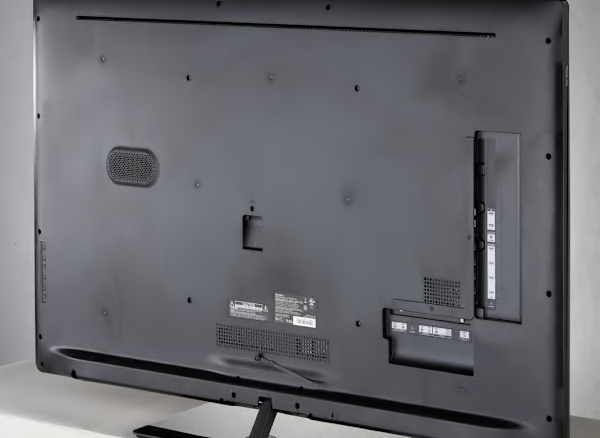
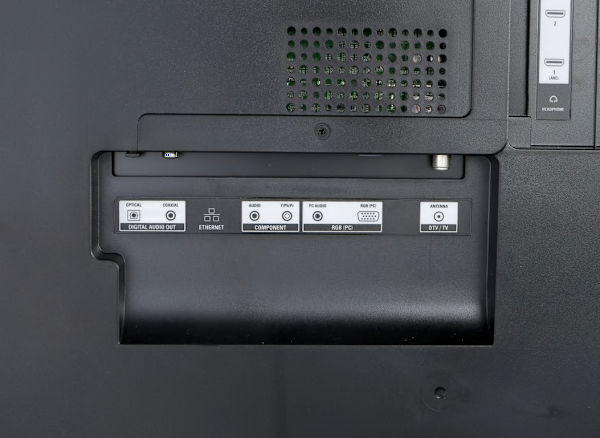
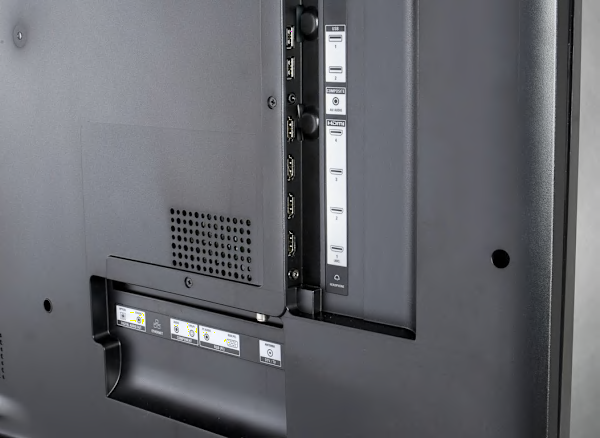
CONNECTIONS This TV includes four HDMI inputs, one component input, one composite input, one VGA input, both optical and coaxial digital audio outputs, two USB ports, an Ethernet port, and built-in Wi-Fi. Wireless connectivity includes: DLNA network file sharing. Analog connections are made via special breakout cable adapters (included) that attach to the TV as single plugs. That means you plug your component, composite, or stereo cables into a dangling "pigtail" rather than the back of the TV itself. This is actually a more convenient way to make the connections on slim-profile models, but if you lose that adapter you'll have no way to connect your cables directly to the TV. The cable connections on the rear panel are recessed with side or bottom-facing ports, so wires don't protrude beyond the display's depth.
INCLUDED IN THE BOX The TV comes with: a printed user manual, an electronic manual in the TV's menu, a quick start guide, a remote with batteries, breakout cables (1 Component, 1 Composite and Stereo Audio, and 1 Stereo Audio). ABOUT FIRMWARE VERSION: Our test results and picture settings are valid for the version of firmware indicated. If your TV's firmware differs from the one shown you either have an older or a newer version of firmware. Manufacturers may periodically upgrade the TV's firmware to enhance operation, fix bugs, or add features. Firmware upgrades may be downloadable directly to your TV via a wired or wireless network (if internet capable), USB port, or memory card, depending on your TV's capability. You can check your TV's firmware version, or upgrade to the latest firmware by pressing the menu button on your remote and navigating to the appropriate submenu, typically under settings. Consult the user manual or manufacturer's website if further guidance is needed.